"Your Computer Has Been Locked": The Tech Support Scam That Cost Seniors $1 Billion Last Year
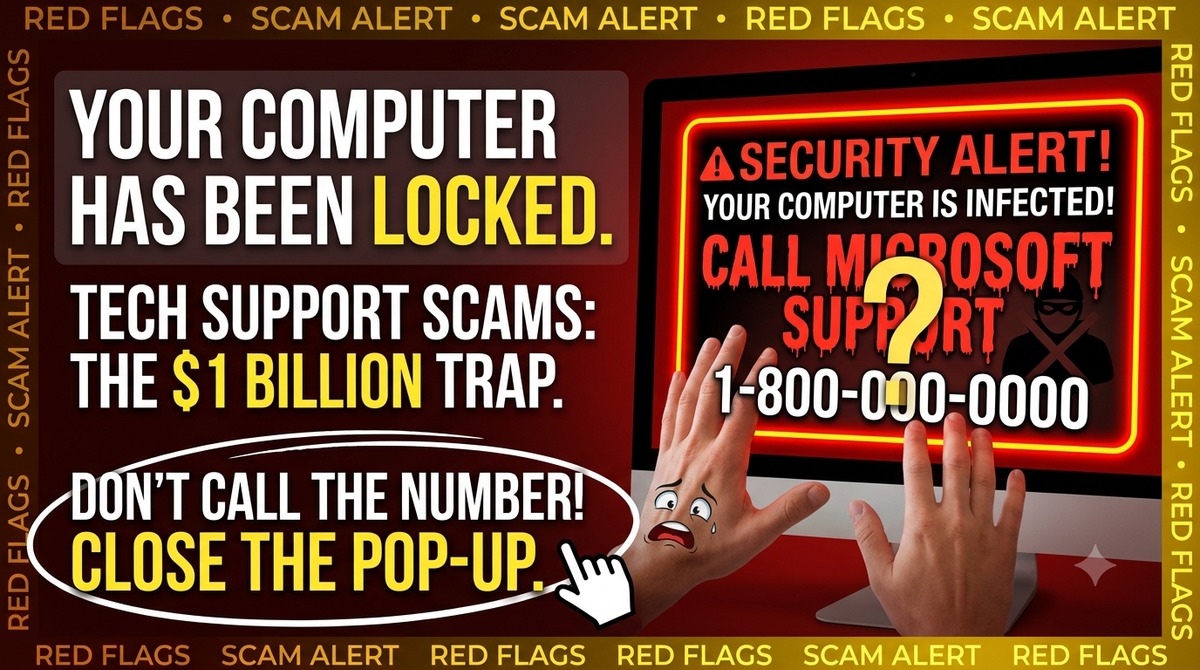
A red warning fills the screen. It says your computer is infected and tells you to call. That single phone call is the scam — and it cost seniors over $1 billion last year.
The voice on the phone was everything you would hope for from a real technician: calm, patient, professional. “I can see the infection from here, ma’am. Please don’t hang up, and don’t shut down your computer — your banking information is exposed.”
Margaret had dialed the toll-free number only minutes earlier, after a screaming security alert took over her screen and locked her browser. Now, she believed, Microsoft itself was walking her back to safety. Within the hour, a stranger on the other side of the world had control of her computer — and by the end of the week, her savings were gone.
Margaret is a composite, but her story plays out thousands of times a year, in nearly identical words. Tech support scams cost Americans over 60 more than $1 billion in 2025 alone, according to the FBI's Internet Crime Complaint Center — the second-largest fraud category targeting older adults, behind only investment fraud. And the individual losses are staggering: the FTC reports that the number of older adults losing $100,000 or more to impersonation scams like this one grew nearly sevenfold between 2020 and 2024.
How the Scam Actually Works
Understanding the script is the best defense, because the script rarely changes.
Stage 1: The false alarm. It starts with a pop-up — often triggered by a mistyped web address or a malicious ad. The pop-up impersonates Microsoft, Apple, or a security company. It may lock your browser, play a loud alarm, and warn that your files or bank accounts are in danger. Its single goal is to get you to call the number on the screen. Here is the tell: real security warnings from real technology companies never include a phone number and never ask you to call. Not sometimes. Never.
Stage 2: The remote connection. The “technician” asks to connect to your computer using remote-access software and runs a fake “scan” that conveniently finds serious problems. Once connected, they can see your screen, your files, and — if you log in while they watch — your bank accounts.
Stage 3: The escalation. This is where the modern version turns dangerous. The technician “discovers” that the problem is bigger than a virus: your accounts have been hacked, or your identity is being used by criminals. You're transferred to a second scammer posing as your bank's fraud department, the FTC, or another government agency. The FTC calls this tag-teaming, and warns that scammers sometimes impersonate its own real employees.
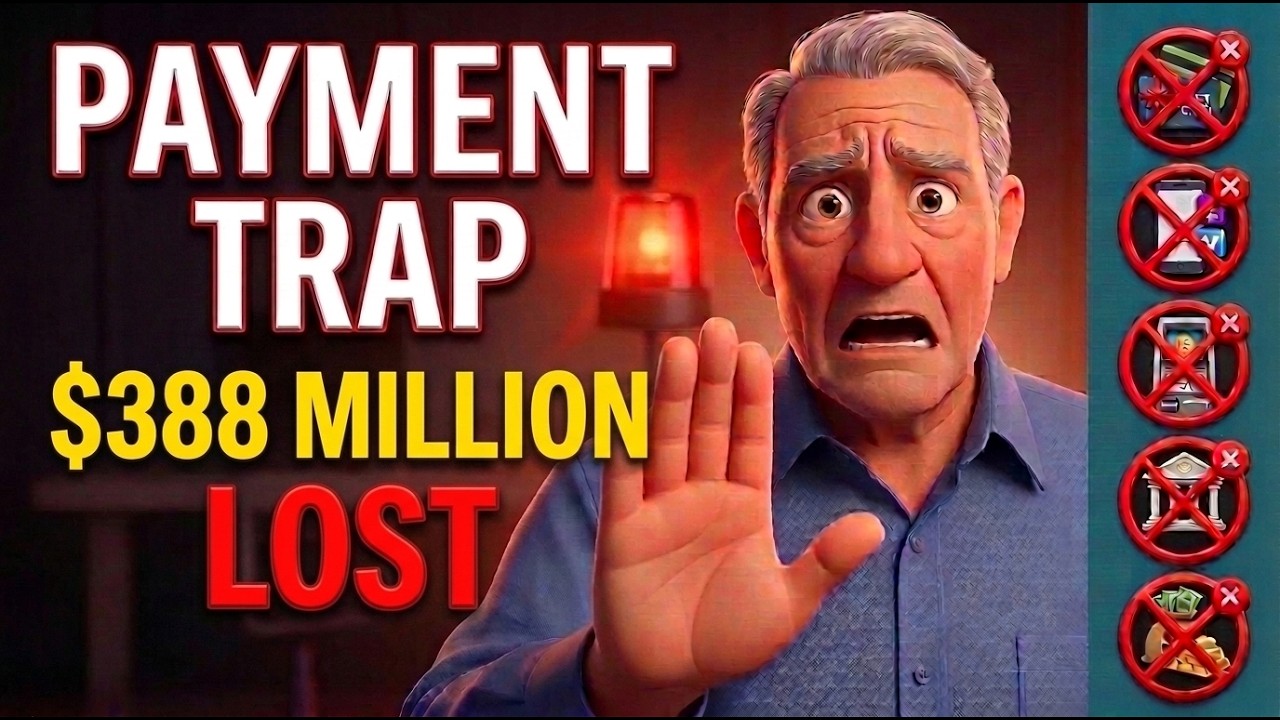
Stage 4: The “protection” of your money. You're told the only way to keep your money safe is to move it — wire it to a “secure account,” deposit cash into a Bitcoin ATM, or in the most brazen cases, hand cash or gold to a courier sent to your door. Among older adults who reported losing $10,000 or more to these impersonation scams in 2024, cryptocurrency was the most common payment method, followed by bank transfers and cash. In reports of losses over $100,000, roughly one in five mentioned gold.
No legitimate company or government agency will ever ask you to do any of these things. Moving your money never protects it. It only moves it to the thief.
This Is Not a Small-Time Crime
These are organized, transnational criminal operations. In May 2025, federal prosecutors in Rhode Island indicted eight people in a scheme that used exactly the pop-up playbook described above. Investigators identified roughly 300 victims across at least 37 states, with known losses exceeding $5 million — and cases like it have been prosecuted in North Carolina, Texas, and elsewhere in the past year, many with call centers overseas and money launderers here in the United States.
Why Smart People Fall for It
This scam works precisely because it targets careful people. It hijacks your vigilance: you're not being greedy or careless — you believe you are protecting your money. The alarm, the countdown, the authoritative voices are engineered to keep you frightened and on the phone. The FTC notes that the phone call is the heart of the scam: staying on the line keeps you from pausing, thinking, or talking to a family member who would see through it. Losses in these cases are often limited only by how much the victim has.
The Red Flags, In Plain Terms
A pop-up with a phone number is a scam, every time. A caller who asks for remote access to your computer, unprompted, is a scammer. Anyone who tells you to move money to protect it is a thief. Anyone who tells you to buy gift cards, use a Bitcoin ATM, buy gold, or keep the situation secret is a thief. And urgency itself is a red flag — real institutions do not demand you act in the next ten minutes.
If It's Happening Right Now
Don't call the number, and don't click anything on the pop-up. Shut the browser down (on Windows: Ctrl+Alt+Delete → Task Manager → close the browser; on a Mac: Command+Option+Esc). Restarting the computer is fine — the warning not to shut down is part of the lie. If someone already has remote access to your computer, turn it off and disconnect it from the internet. If you gave them access while logged into your bank, call your bank directly using the number on the back of your card.
If You've Already Paid
Move quickly and don't be embarrassed — the people who did this are professionals. Call your bank or card company immediately to try to stop or reverse the transfer. Report it to the FTC at ReportFraud.ftc.gov and the FBI at ic3.gov. You can also call the Department of Justice's National Elder Fraud Hotline at 1-833-FRAUD-11 (1-833-372-8311) for help figuring out next steps. And be alert for “recovery” scammers who call promising to get your money back for a fee — that's the same crew coming back for seconds.
The pop-up is loud, but the answer is quiet: close the screen, and if you're ever unsure, call someone you trust before you call anyone you don't know.